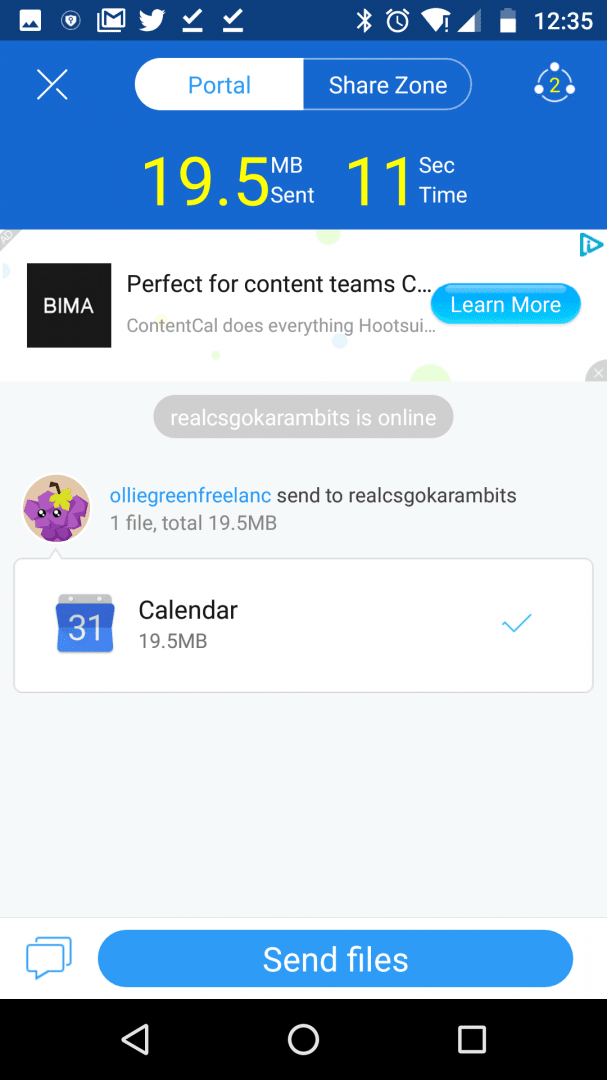
SHAREit is designed to let you share files, apps, and other data between two devices effortlessly. The app does not require Bluetooth as most similar apps do. It instead creates a direct Wi-Fi connection or uses your local network to find nearby devices.
Sending and receiving data
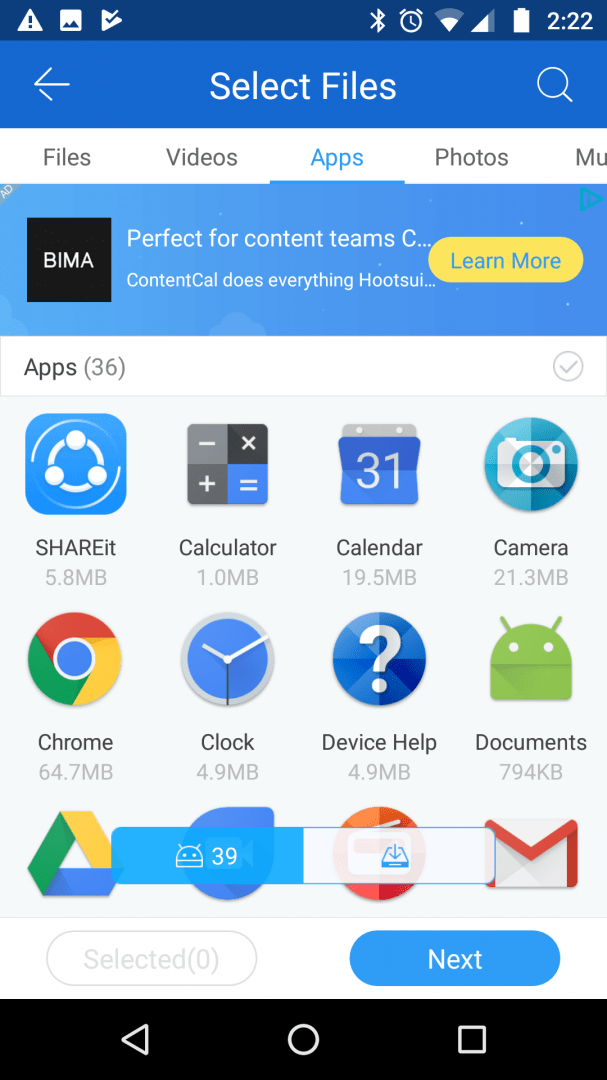
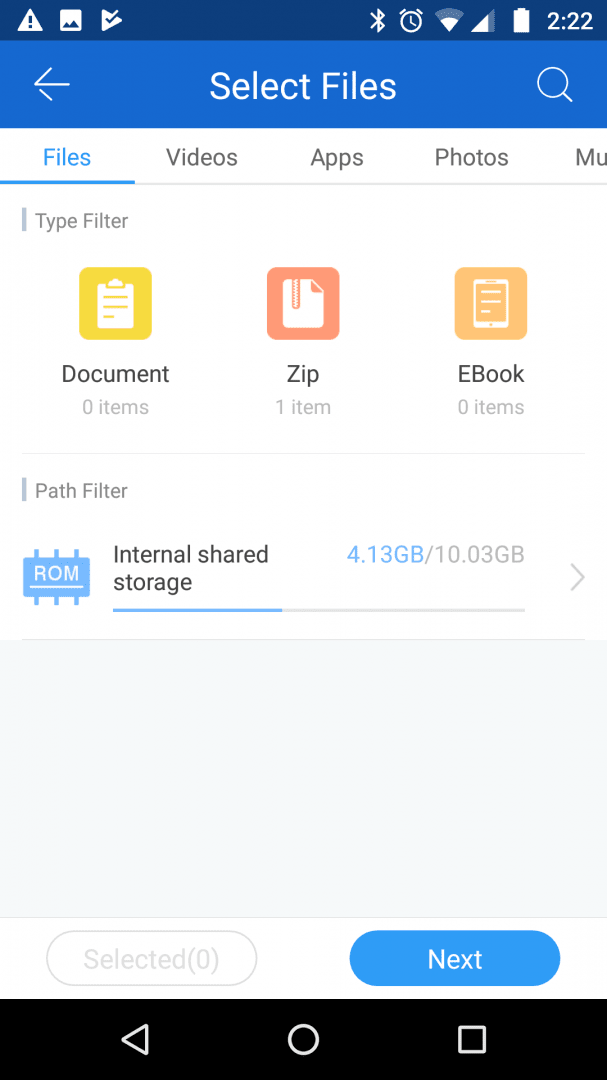
Once a connection has been made, you can choose to send or receive. When receiving, you'll download any files that another user sends to you. When sending, you'll be able to scroll through your files, apps, videos, photos, and other data to choose what to send.
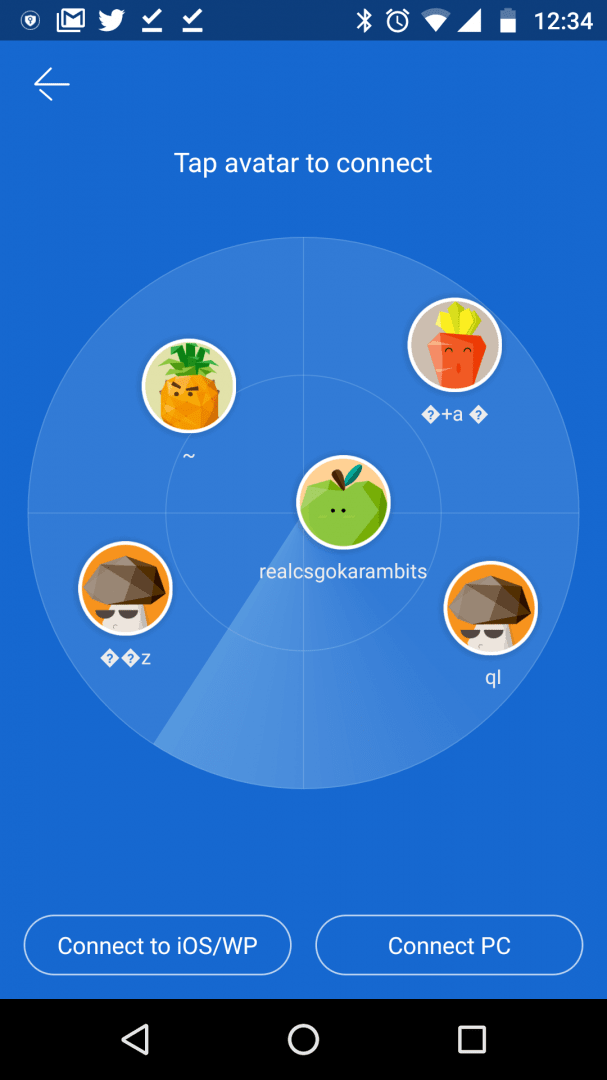
When sending files, you must wait for the receiving device to appear on the search screen. We found that it takes roughly 10-20 seconds before you'll see the other device on the share screen. The developer claims that their app is far faster than Bluetooth at transferring files, and from our experience, we can confirm that this is true.Extra tools and heavy advertising
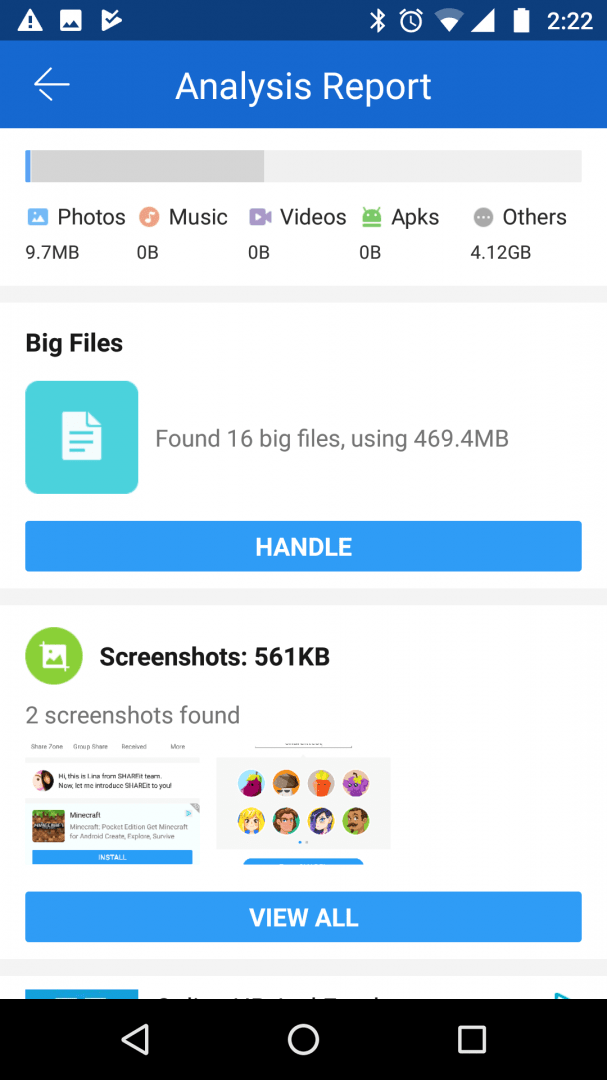
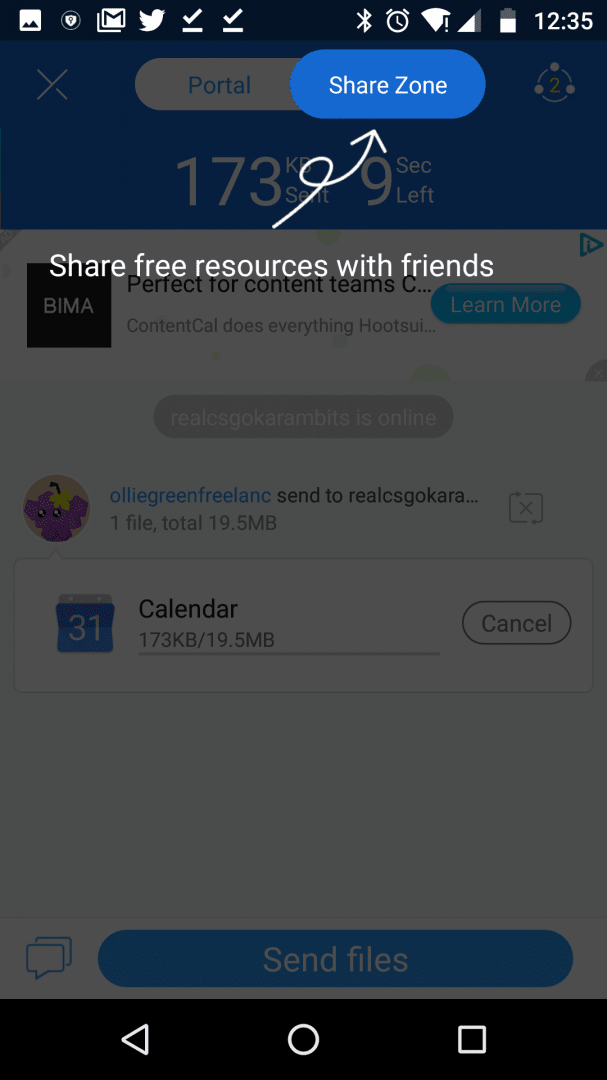
There's another side to SHAREit that is a little like a double-edged sword. The developer has attempted to fill the app with other functionality. This means you have access to cleanup tools and a memory analyzer straight from within the app, but it also means that plenty of the app is essentially filled with promotions for other applications. There are also many ads thrown throughout the SHAREit user interface.A solid core experience underneath the clutter
If you can look past that and only focus on the core functionality of SHAREit, you do have a relatively good-performing application. It provides the service that it offers in the app store description and does it within a neat, easy-to-use UI. Our only wish is that there was a way to remove the advertisements and promotions for other apps.